How do I set up a search agent?
Automatically translated from Danish
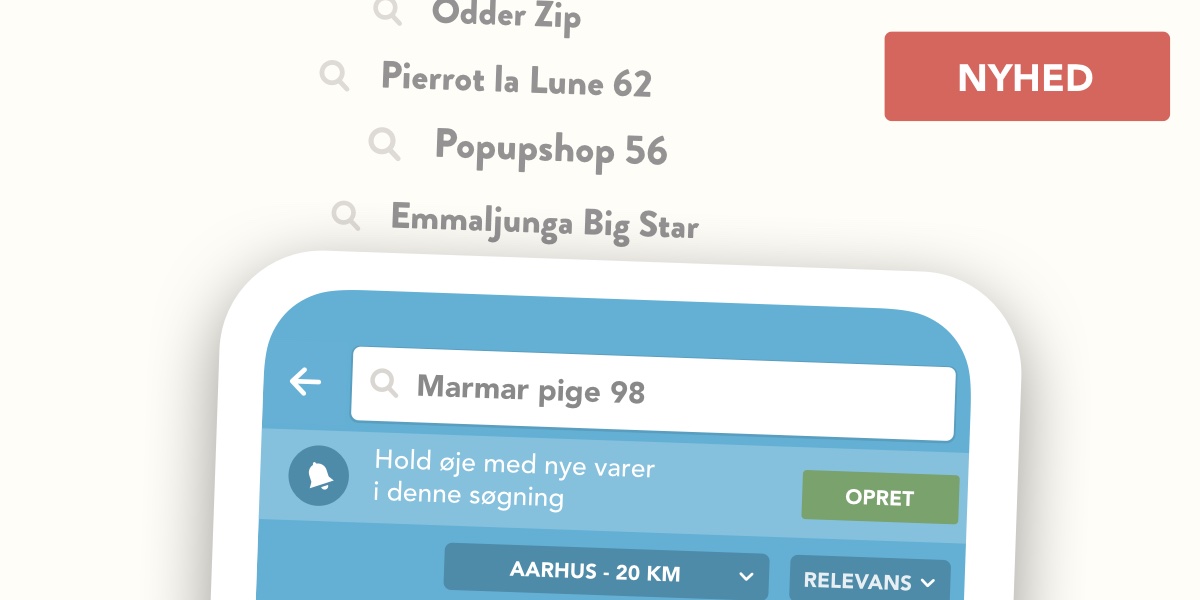
Save time and money by letting Reshopper do the work for you. Thousands of new second-hand gems are listed on Reshopper every day, and browsing through new items to find something specific takes a long time. Instead, let Reshopper’s search agent handle the search for you.
Creating a search agent is easy
Start by entering what you’re looking for in the search bar—e.g., "girls' blouse size 98." Then, tap the "Create" button, and you’ve set up a search agent for that specific search. As soon as a seller lists an item matching your criteria, you’ll receive a notification via the app.
Search specifically to increase your chances of being first
If you’re looking for unique and popular items, Reshopper’s search agent is your best friend. However, make sure to narrow down your search using criteria like size, gender, product name, or location so the agent’s suggestions are as relevant as possible. If you’re looking for a specific, popular stroller that performed well in tests, create a search agent using the brand and model name—e.g., "Odder Zip" or "Emmaljunga Star."
Save money on popular quality brands
If you’re hunting for popular quality brands that last a little longer, set up a search agent for brands like Marmar, Soft Gallery, Mini Rodini, Wheat, Krutter, Mini A Ture, or Ver de Terre, and be ready to act when you get a notification.
Create a search agent with filters
When searching for an item, you can filter the results by size, condition, brand, etc. You can also apply these filters to a search agent by selecting your preferred criteria and tapping "Create search agent."
Was this article helpful?