Payment card
Automatically translated from Danish
To use Reshopper Shipping, you need to link a payment method to your Reshopper account (card, Apple Pay, or MobilePay). As with any other payment, a transaction may be declined for various reasons.
Insufficient balance (insufficient_funds)
Either there are insufficient funds in the bank account linked to the payment card, or there are reserved amounts exceeding the balance recognized by the bank.
In this case, you can either deposit more money into the account or change your payment card by going to "You" (your shop) -> "Settings" -> "Payments and payouts" and locating the "Payment method" option.
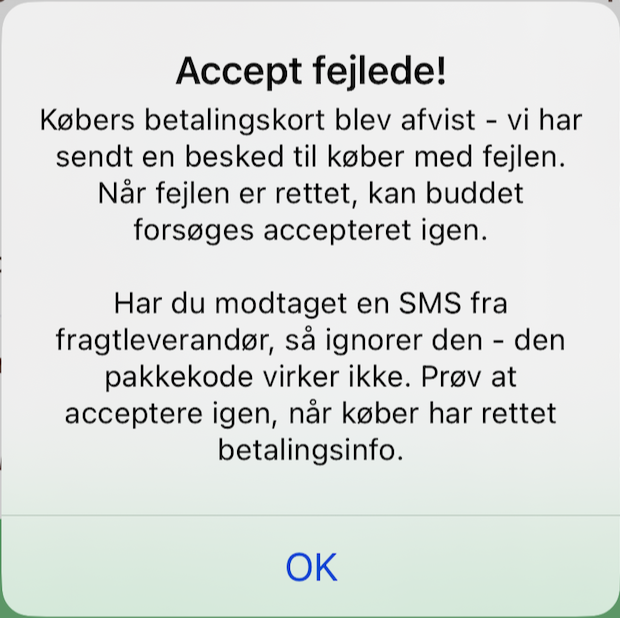
Acceptance failed
If, as a seller, you are unable to accept a purchase and receive a message stating "Acceptance failed" (see image below), this is usually due to issues with the buyer's card. You might ask the buyer to contact us at support@reshopper.com if updating their card details does not resolve the issue.
Was this article helpful?