Update to the latest version
Automatically translated from Danish
iPhone/iPad with iOS 13 or later
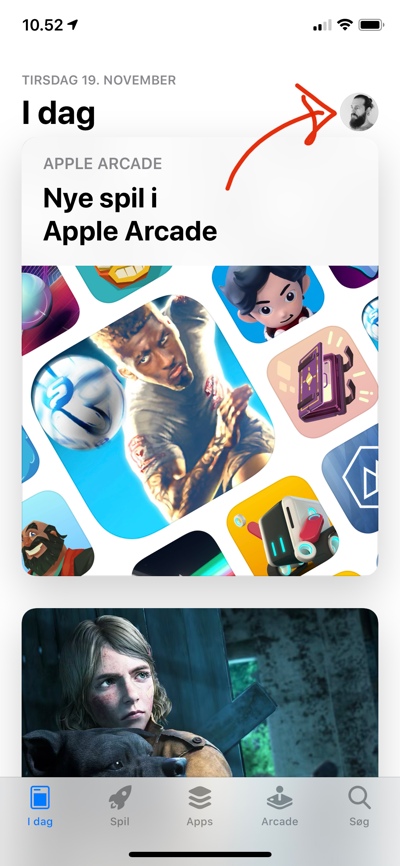
Open the App Store and tap your profile picture in the top right corner.
In the window that opens, pull down to refresh. You will now see all available updates.
Note: If you specifically search for Reshopper (or another app) in the App Store, there is no guarantee that Apple will show you the latest update.
iPhone/iPad with iOS 12 (or earlier)
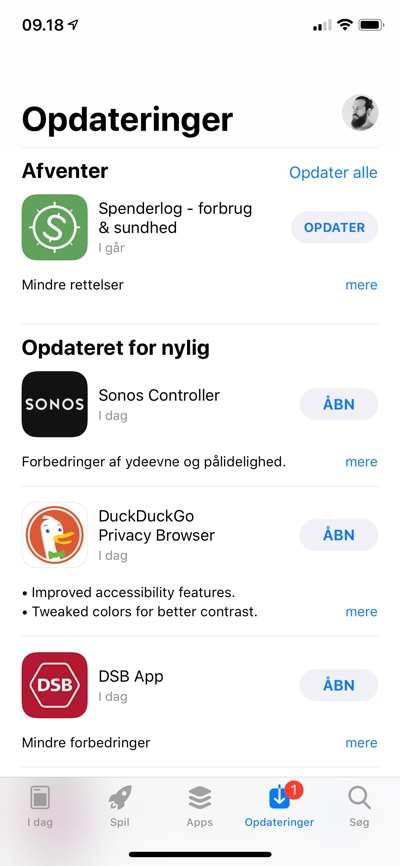
Open the App Store and tap the "Updates" tab at the bottom.
In the list that appears, pull down on the screen to refresh. All available updates will be displayed.
Note: If you specifically search for Reshopper (or another app) in the App Store, there is no guarantee that Apple will show you the latest update.
Which version of Reshopper do I have?
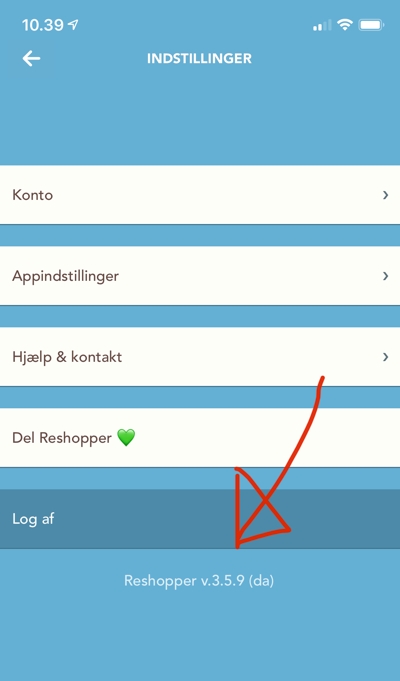
Open your account settings and look at the bottom: "You" -> "My account". This information can also be found at the bottom of the login screen.
Was this article helpful?